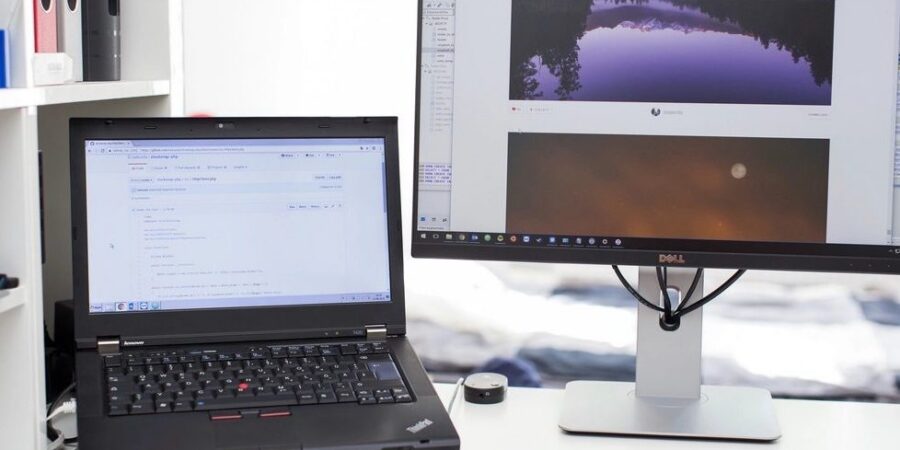
Screen capturing has become a vital skill in today’s digital era. Whether it’s for personal records, professional presentations, or sharing snippets with family and friends, capturing your computer screen efficiently can make a world of difference. This article delves into the intricacies of mastering screen capture, offering insights into the tools and techniques that will enhance your productivity.
Comprendre les bases des captures d’écran
At the heart of any screen capture endeavor is understanding the basic functionalities. Most operating systems come with built-in tools like Snipping Tool for Windows or Grab for macOS. These tools offer straightforward features that allow users to select portions of their screen or capture windows in their entirety. Familiarizing yourself with these built-in options can be the first step towards becoming proficient in screen captures.
Les outils avancés pour une capture professionnelle
For those seeking more advanced features, several third-party applications provide a professional touch. Annotations, delay capture, and scrolling screenshots are just a few examples of features available. Applications designed for screen capture often include editing tools that let users highlight, add text, or apply blur effects to their captures, making them invaluable for professional use.
Simplifying workflow with automation
Integrating screen capture tools into your daily workflow can save precious time. Many programs offer automation features, allowing you to set up shortcuts or designated folders where your captures are saved automatically. Keyboard shortcuts can be customized for swift action, reducing the effort needed to initiate a capture and saving files in the desired format with just a keystroke.
Formats de fichiers : choix et utilité
Understanding file formats is crucial when capturing screens. Common formats include PNG, JPEG, and GIF, each serving a specific purpose. PNG files are preferable for high-quality images, ensuring that details remain crisp. JPEGs offer a smaller file size, ideal for quick sharing via email, while GIFs bring motion to still captures, perfect for tutorials or demonstrations.

Trouver l’équilibre entre qualité et performance
It’s essential to strike a balance between image quality and performance. High-resolution images can consume significant storage space, which might not be practical for all users. Adjusting settings to match your needs can optimize performance without compromising on the necessary quality. Consider the medium where your captures will be used, and tailor your settings accordingly.
La sécurité et le stockage des captures d’écran
Storing your screen captures securely is another aspect not to overlook. Personal information or confidential documents might often be a part of screenshots, necessitating a secure storage solution. Cloud options offer accessibility from any device, while local storage provides more privacy. Encrypting sensitive captures adds an additional layer of security, ensuring your data is well-protected.
Conclusion : maîtriser l’art de la capture d’écran
Mastering screen capture doesn’t happen overnight, but with the right tools and techniques, anyone can become proficient. As digital communication continues to evolve, the ability to efficiently capture and share your screen becomes an invaluable asset. By leveraging the insights and tips from this guide, you are well on your way to becoming a screen capture aficionado. Remember, it’s not just about capturing an image, but about presenting information in a way that is clear and impactful.