Personalizing your digital space can transform an ordinary interface into a reflection of your individuality. With an array of downloadable digital graphics and customization files available, there are numerous ways to bring your personal style into your digital environment. Here are ten creative methods to personalize your digital space.
Choose unique wallpapers
The quickest way to inject personality into your digital device is by setting a unique wallpaper. Opt for high-quality, downloadable wallpapers that resonate with your taste. Whether you prefer minimalist designs, nature scenes, or abstract art, a wallpaper can set the tone for your whole digital experience.
Custom visual styles
Visual styles allow for more comprehensive customization of your operating system’s interface. By downloading visual style themes, you can alter window colors, fonts, and icons, creating a cohesive look that matches your aesthetic preferences. Installing a new visual style is like giving your digital environment a fresh coat of paint.
Dynamic screensavers
Gone are the days of static screensavers. Modern screensavers offer dynamic visuals that provide entertainment during downtime. Choose from a range of screensavers, from animated landscapes to artistic displays. A screensaver can be a conversation starter and add an element of surprise to your screen.
Organize with desktop widgets
Desktop widgets can enhance both the functionality and appearance of your workspace. These small applications can display the weather, stock updates, or even motivational quotes. Widgets keep important information at your fingertips while adding a layer of personalization to your desktop.
Custom icon packs
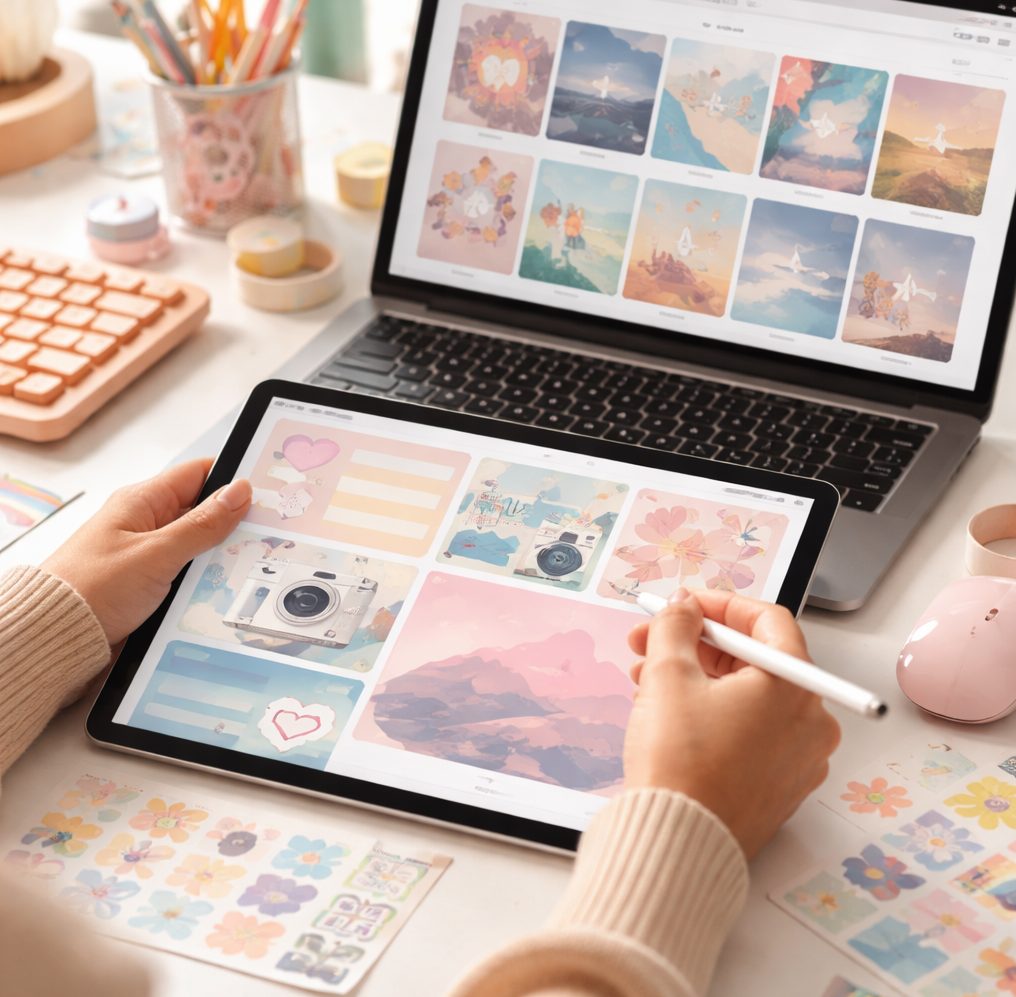 Icons play a crucial role in the visual appeal of your digital space. Custom icon packs allow you to replace default icons with designs that fit your style. From sleek modern icons to playful and colorful sets, customizing your icons can drastically improve the overall look of your interface.
Personalized browser themes
Web browsers are often overlooked in the personalization process. By applying a custom theme, you can align your browser’s appearance with the rest of your digital space. Choose a theme that complements your desktop style for a seamless browsing experience.
Create a unique mouse cursor
A custom mouse cursor can be a subtle yet effective way to personalize your digital space. Downloadable cursor themes range from elegant to whimsical, allowing you to find one that suits your preference. A fun cursor can add a touch of personality to every click and movement.
Tailor your sound notifications
Personalization doesn’t stop with visuals. Customizing sound notifications can create a more engaging experience. Replace default alerts with sounds that are pleasing or amusing to you, transforming mundane notifications into something delightful.
Interactive backgrounds
Interactive backgrounds combine beauty with functionality. These applications allow your desktop to feel alive with elements you can interact with. Whether it’s a clock in the form of a mesmerizing animation or a calendar that updates as you move through the month, interactive backgrounds add a new dimension to your digital space.
Regularly refresh your setup
Personalization is not static. To keep your digital space feeling fresh, consider periodically updating your customizations. Change your wallpaper, try a new icon pack, or explore different visual styles every so often. Refreshing your setup revitalizes your digital experience and keeps your environment aligned with your evolving tastes.
By implementing these creative strategies, your digital space can become a unique extension of your personality. Embrace the power of customization files and digital graphics to craft a digital environment that truly feels like your own.